Start with the stock you have
Search the stock catalogue, keep favourites and create or adjust your own sheet layouts. Review the packet measurements before printing.
PRINT LABEL STUDIO / SMALL BUSINESS
Turn everyday label work into a job you can save, check and repeat. A practical production tool for shops, trades, workshops and busy offices.
One-time payment · One computer · Commercial or personal use. Prices include applicable taxes. Includes 12 months of updates and standard support, with installation support for the first month. Continued use of the purchased version; optional support renewal is not automatic.
Read the illustrated product brochure (PDF) · Explore 12 sample sheets
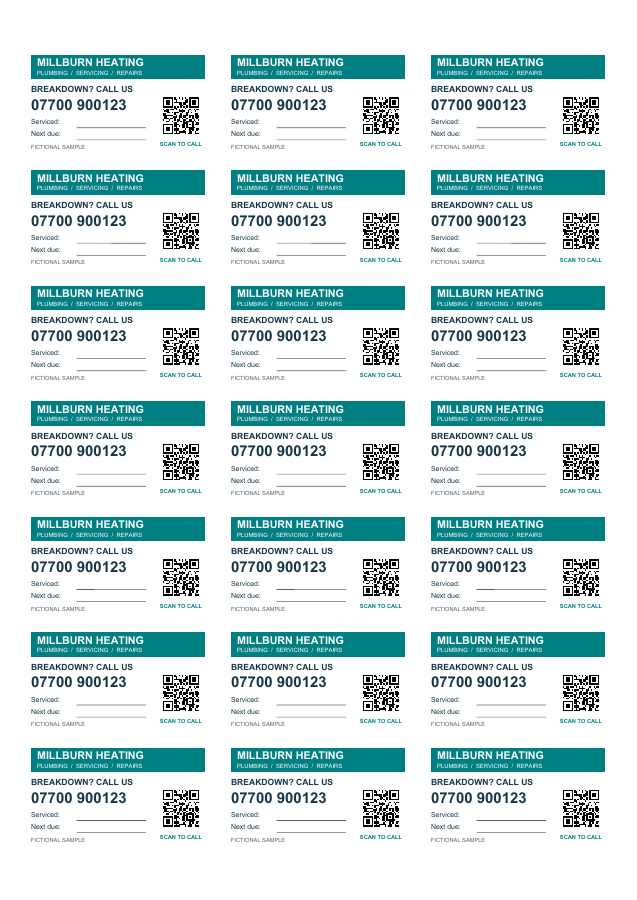
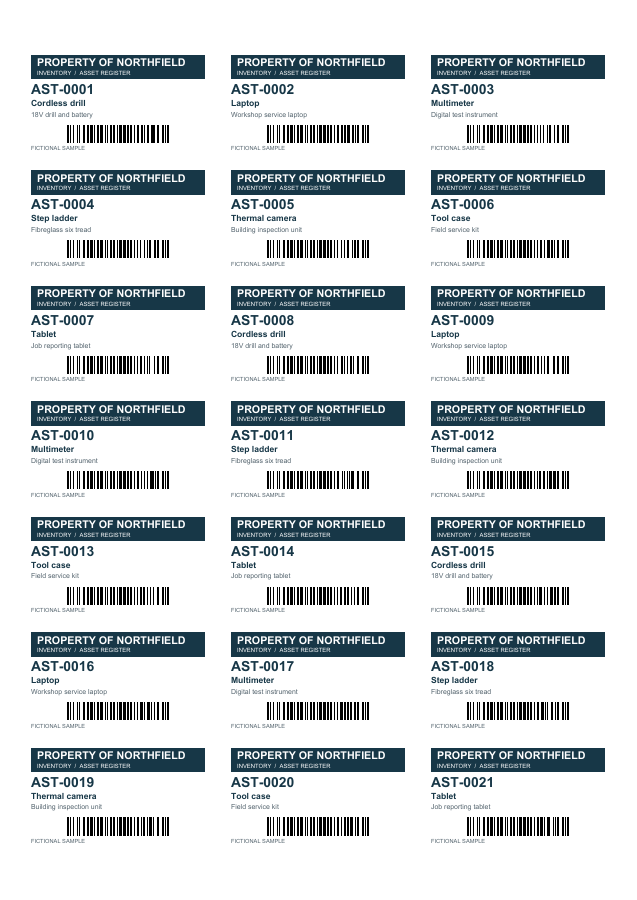
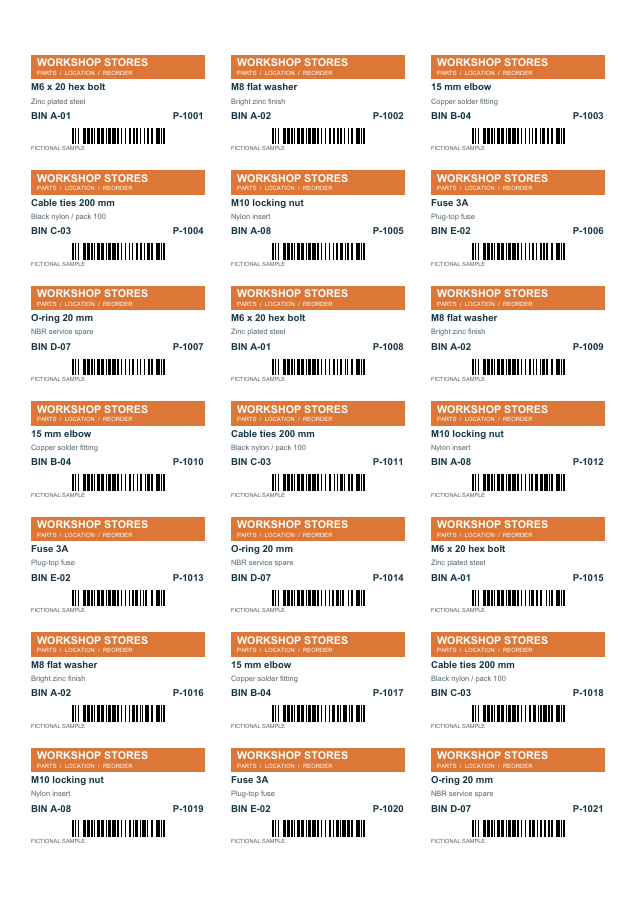
Illustrative designs with fictional data. Explore packaging, nursery, events, dispatch and tool-hire examples in the full gallery.
See all sample sheetsSearch the stock catalogue, keep favourites and create or adjust your own sheet layouts. Review the packet measurements before printing.
Import CSV or supported single-sheet XLSX data. Preserve text identifiers and leading zeros, choose records and set copy quantities. Excel is not required.
Save label jobs. Make staff templates with fixed artwork and approved editable fields, then save complete production runs for later use.
Use layers, alignment, pictures and variable text. Optional text fitting works per record down to your chosen minimum size and flags content that still does not fit.
Add supported numbering, Code 128 and QR codes. Preview the completed records and scan a printed proof with your intended reader.
Use the guided regular-grid calibration, review the complete run, then export a PDF or use the Windows print route. Retain production history for explicit reprints.
Set up the artwork once. Let staff change the approved information and print the quantities they need.
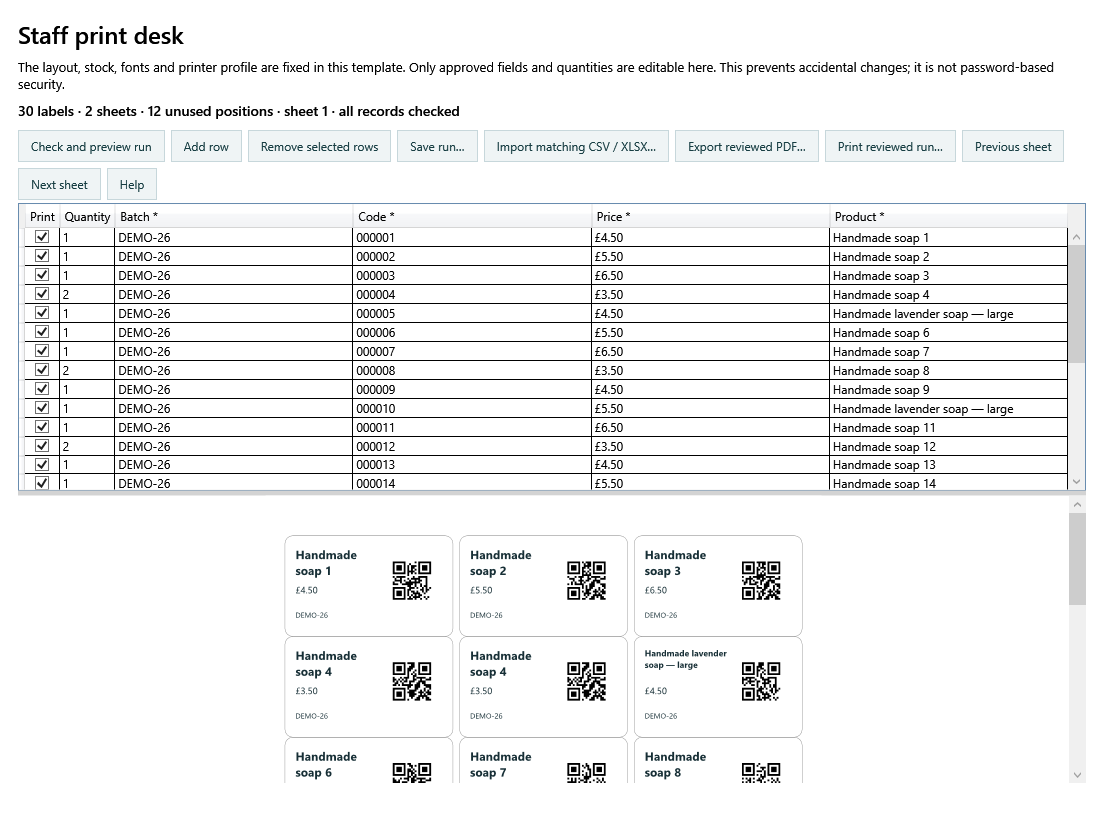
Keep artwork, stock and calibration in the template. Save the run for next time. If a value changes, the preview must be checked again before production.
Choose a free 7-day evaluation, then a separate fresh 30-day registered evaluation when you are ready.
Downloading or opening the application does not start a trial. In Registration & trials, verify your email and explicitly start the evaluation. The separate registered evaluation asks for your full details. Existing registrations refresh automatically.
No. £49.95 buys a licence for the purchased version on one computer. The included update and support period is 12 months. Any later support renewal is optional; see the purchase terms.
Yes. Create a staff template with fixed artwork and approved editable fields. Staff can enter those values and quantities, check the preview and save a repeat run. This protects against accidental edits; it is not password-based access control.
Use the stock catalogue or define the sheet measurements, then prove the job with your Windows printer driver. Compatibility and alignment must be checked with your exact printer, driver and stock.
The download is a PDF gallery of illustrative designs. It is separate from the editable shop and workshop examples supplied in the application. The sample data is fictional; sample food labels and appliance records are not compliance certificates or test evidence.
Label jobs and production runs are saved as local files. Registration uses the online licensing service. Keep your own backups of important work.
Windows x64 desktop application; the .NET runtime is included. Extract the complete ZIP into a writable local folder and run PrintLabelStudio.exe. This is a portable package, not a signed installer.
Internet access is needed for email verification, activation and periodic licence checks. A signed licence has a limited offline allowance; permanently disconnected use is not supported.
Match the exact stock and printer settings, print at actual size and make a plain-paper proof. Check the first and last rows and scan printed codes before using label stock. Guided calibration supports regular grids at 0° feed. Thermal-roll workflows and ecommerce connectors are not included in this edition.